
How to set up XCIPTV Player on Android
A step-by-step guide to watch IPTVin IPTV with XCIPTV Player on your Android: install the app, sign in with your login details and start streaming.
Follow the steps
- 1
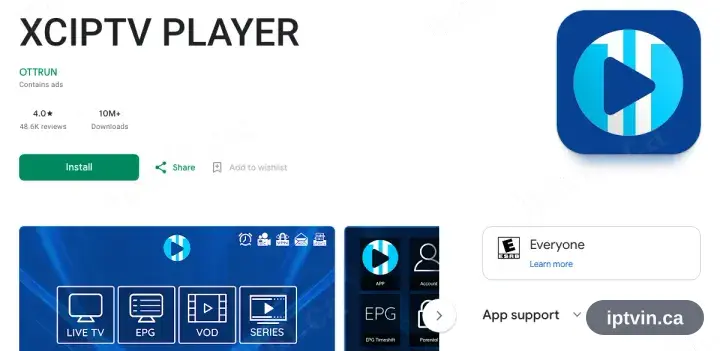
Install XCIPTV Player from Google Play
Open Google Play on the phone or tablet, search XCIPTV Player — published by OTTRUN — and install it.
- 2
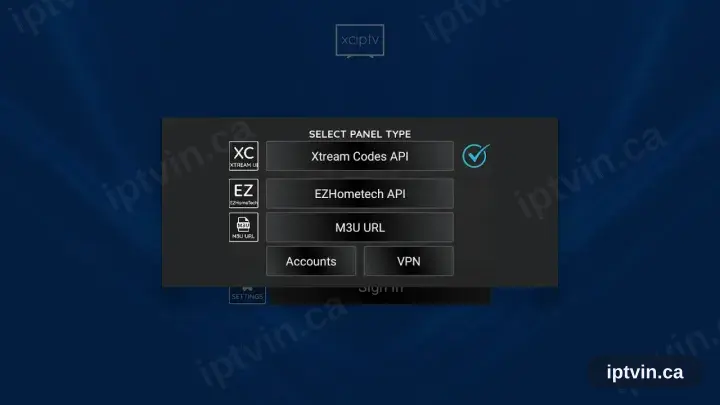
Choose Xtream Codes API
Open the app. When it asks for the panel type, choose Xtream Codes API.
- 3
Enter your details and sign in
Supply the server URL, username and password from your account on our website, then select Sign In.
Type the server URL exactly as your account shows it — with http:// at the start and the port number if there is one.
- 4
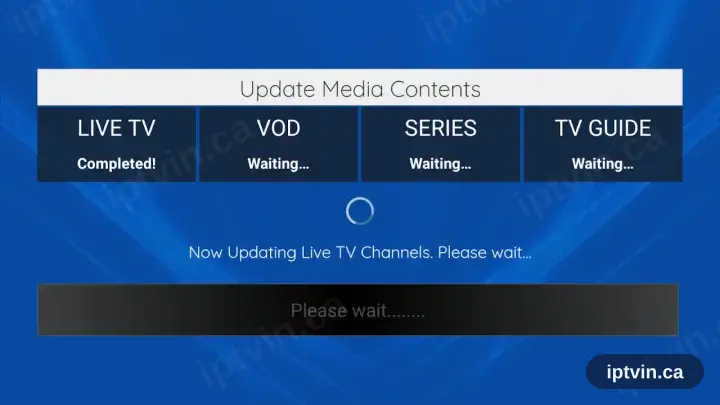
Let it load the lists
XCIPTV Player downloads the channels, films, series and TV guide. The first load takes about a minute.
- 5
Playback time
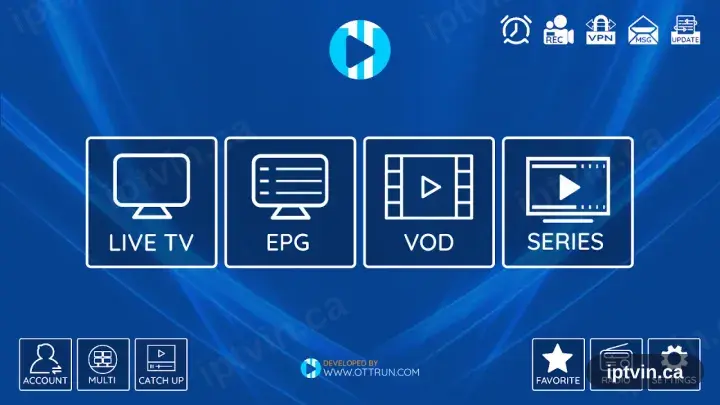
The home screen opens on Live TV, EPG, VOD and Series. Select Live TV to begin playback. The app is free and shows ads.
Installing XCIPTV Player on Android: what is different
On an Android phone or tablet, XCIPTV Player installs from Google Play in the usual way — no rooting and no developer settings.
If you install XCIPTV Player from an APK instead, Android asks once for permission to install from that source. Grant it to the browser or file manager doing the install, not system-wide.
Playing over mobile data works, but a live HD channel uses roughly 1–2 GB per hour — worth checking your plan before a full match.
Helpful guides
Best IPTV App for Firestick: TiviMate vs IPTV Smarters vs HotPlayer
The best IPTV app for Firestick? TiviMate, IPTV Smarters Pro and HotPlayer compared on TV guide, catch-up, price model and setup, plus Android TV and Apple TV.
How to Get IPTV in Canada: 5 Steps From Plan to First Channel
How to get IPTV in Canada in five steps: check your internet, choose a device that can run a player app, test with a trial, pay safely, then install and log in.
Internet Speed for IPTV in Canada: How Many Mbps Do You Need?
Internet speed for IPTV explained: how many Mbps you need for HD and 4K, how to test speed at the TV, household bandwidth maths, rural options and data caps.
Ready to watch, or stuck on a step?
Start with a trial if you do not have a login yet. If something is not working, our team can help in English or French.